BARCHIVE GUIDE
Your plant’s care, alongside its photos
Photos show how a plant changes. Care records help you remember the days in between. Keep watering, fertilizer and potting-mix history alongside the growing story.
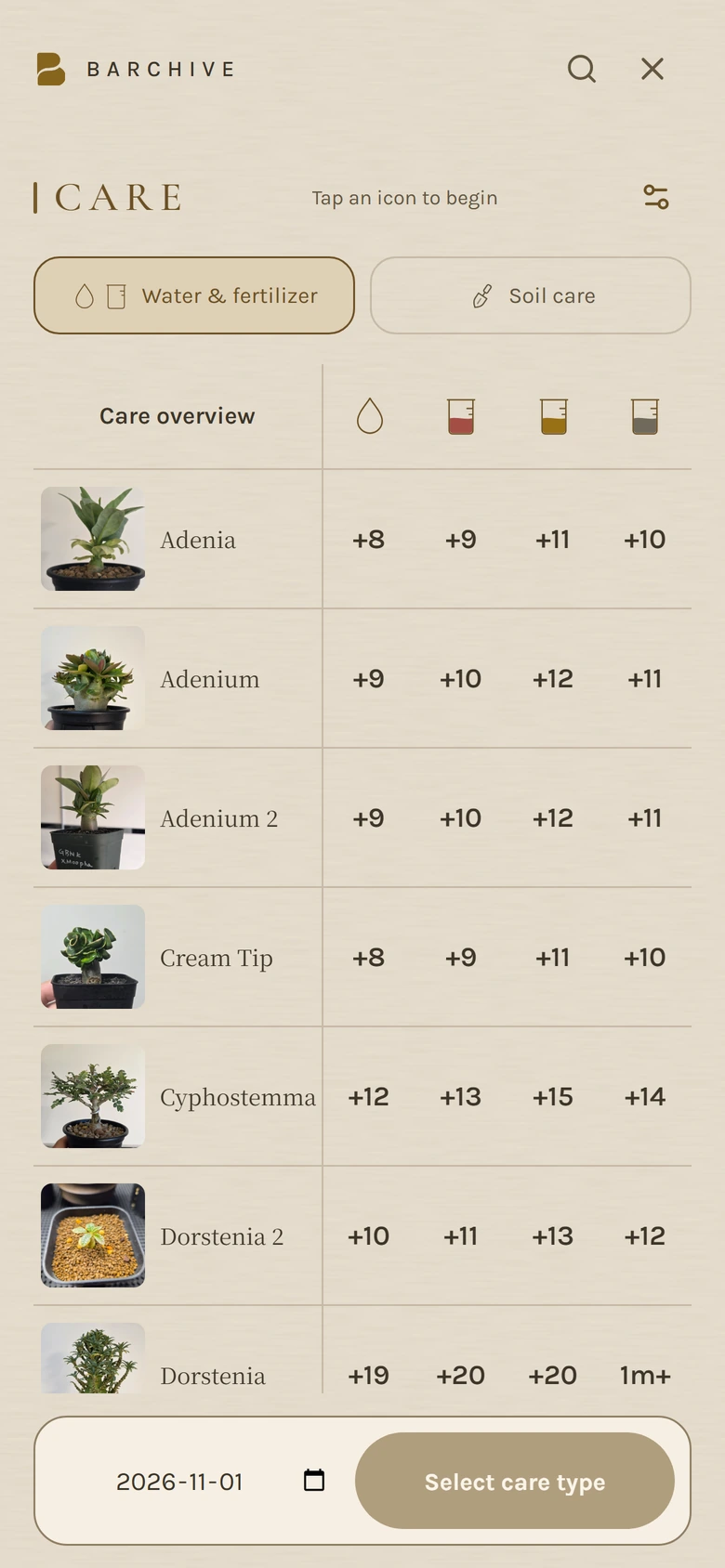
See care across your plants
Open CARE from Garden to check the latest watering and fertilizer dates. Select several plants to record care for them together.
Keep potting mixes and repotting dates
Save ingredients and proportions in potting-mix management. Record the mix used for each plant and when you repotted, with earlier mixes kept in its history.
Make a Care Sheet to share
Open Share Card from a plant’s detail page and choose Care Sheet. Select watering, fertilizer or potting mix, choose a theme, then save or share the photo and records as one card.
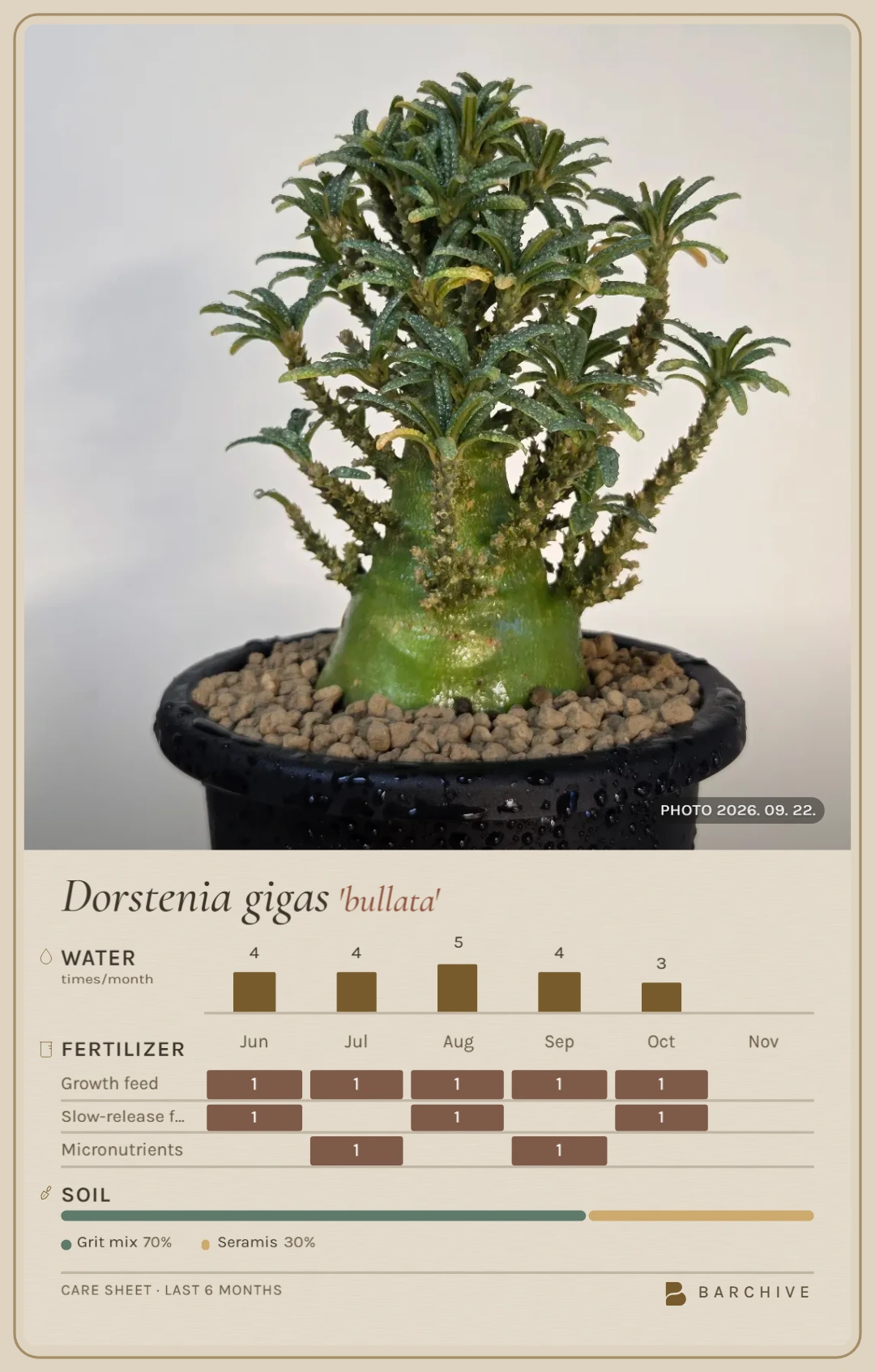
Care records and Care Sheets are available on the free plan. Free records stay on your device; PRO syncs them across devices using the same account.
On Android, free users may need to watch an ad to save or share Before & After, Timeline and Care Sheet cards. PRO removes ads.
Choose which care features to use in Settings → CARE. Charts reflect the records you enter; they do not recommend a watering schedule.